Choose a short companion name and the name or nickname you want it to use for you. These are profile preferences; changing them does not rewrite old messages or change your reminder settings.
Choose names from chat
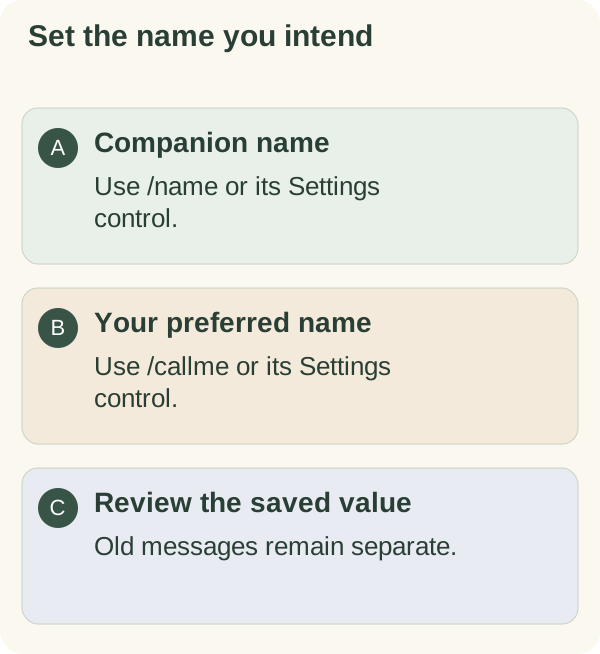
In the private companion chat, send /name Luna to name the companion or /callme Sam to set how it addresses you. Replace the examples with your chosen names. You can also send either command alone and answer its prompt.
Read the confirmation. The companion name can appear in the chat's input controls; your preferred name is used for personalisation. These names do not change your Telegram username or account identity.
Each stored value is limited to 40 characters. Use a short value and check the saved result, especially after pasting a longer name. Send /cancel before answering a pending prompt if you no longer want to change it.
Change a name in Settings
Open /settings, choose Personalization, then choose the rename or call-me control. Check which field you are changing, enter the replacement and review the confirmation or current Settings card.
A rename does not change goals, habits, daily messages or global stop preferences. For those, use the separate planning and message controls.
Keep profile names simple
A nickname is enough if that is what you prefer. Avoid using a profile name to store an address, password, recovery phrase or private contact detail. Names can be included in conversation and other personalisation.
Changing the current preference affects later use; it does not remove earlier Telegram messages or stored conversation. Use the memory, export or privacy guide when your aim is to review or remove records rather than rename a profile.