Use /share in your private chat with @armoredkitten_bot or open Invite a friend in your private dashboard. Both use the same account, sender verification, invitation history and referral link. Sending an invitation does not require an active AI trial or holder access. Your friend still completes their own language, adult consent and access steps.
Open and share your referral link
Choose the Telegram share option, open the invite, or copy its link for a message you choose to send. Your personal referral link stays tied to your account until you delete the account. Reopening /share or the invitation dashboard shows it again. Share it with someone who wants the invitation.
Which reward route applies
My referral links in the bot (or Open affiliate dashboard in More) shows two separate routes. Each referred account can qualify for only one of them:
- If you share your Telegram affiliate link: Telegram creates that link and pays its own Stars commission when your friend buys Plus through it, about 50% of their eligible first-month Stars payment (roughly US$5; the purchase and reward value can vary). Join once from Telegram's Earn Stars page, then paste the link into the dashboard so it is ready to copy.
- If you share your Armored Kitten referral link: the proposed reward is 50% of your friend's first monthly Stars payment, after review and a waiting period. The owner reviews and transfers it manually. Refunds, a Telegram affiliate attribution or unverified history prevent approval.
Signing up alone earns no reward on either route. One first inviter is recorded for an eligible new account; opening a link repeatedly does not create more referrals. A referral link is not a wallet signature, transfer approval or extra account allowance. See account access.
Prepare an email invitation
- Choose Email a friend or Create a personal invitation.
- Enter your own email address. The service sends a six-digit OTP to it.
- Enter that code. It expires after 15 minutes; request and incorrect-code protections help prevent misuse. Check spam if the message does not arrive.
- Enter your name as you want your friend to see it after Referred by.
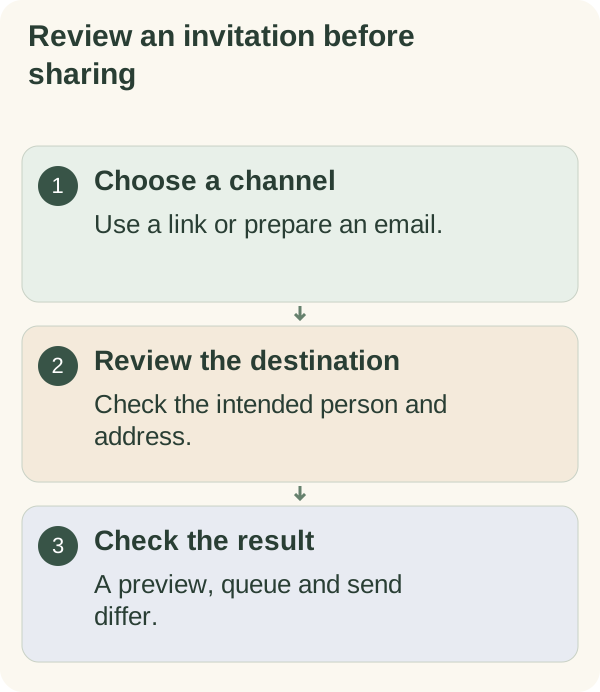
- Enter your friend's email address. Review the preview, including their address and the verified address that will receive your CC copy.
- Choose Send invitation to send, or Cancel before dispatch.
The email introduces Armored Kitten's features and includes your personal referral link. It comes from Armored Kitten, shows your entered name and CCs your verified address. Replies are addressed to your verified address. Your friend will see that name and address. It does not subscribe anyone to a newsletter.
There is no invitation-specific daily sending cap or recent-recipient block. Each new invitation starts with your own email verification and still requires explicit confirmation. Mail configuration and the provider can affect delivery. Verification does not grant AI access to you or your friend.
You can switch between chat and the Mini App to finish the same pending flow. Use Refresh invitations after a change in another window. If the screen says the invitation changed, review the refreshed version before sending. Private history shows draft, queued, sending, accepted, failed, cancelled or unconfirmed delivery. A queued or accepted message is not proof it reached the inbox.
Keep the invitation private and recover safely
When delivery is unconfirmed, the service does not automatically resend a message that may already have gone out. This includes partial acceptance of the friend and sender CC recipients. Check the result before explicitly starting another invitation; you can also use the Telegram referral link.
Sender names and invitation addresses are encrypted in the service's database. Invitation records expire after 90 days. Attribution for your persistent link is kept until account deletion, so an eligible purchase can be reviewed for a reward. Your export includes retained invitation names, addresses, statuses and referral counts. Account deletion removes your invitations, personal link and incoming/outgoing referral attribution.
Referral links can be forwarded. They do not lock access to one person, and the sender's OTP verifies the sender's address rather than your friend's identity. Keep session, claim and recovery links private. Never send a wallet recovery phrase or private key to anyone offering to repair an invitation.
Token gifts follow the separate gift and access guide. A greeting, invitation, funded gift and account access are different results.