Use /memory to review the companion records and saved-facts card. Check a fact against what you know before correcting or removing it. A saved statement is not independent proof that it is true.
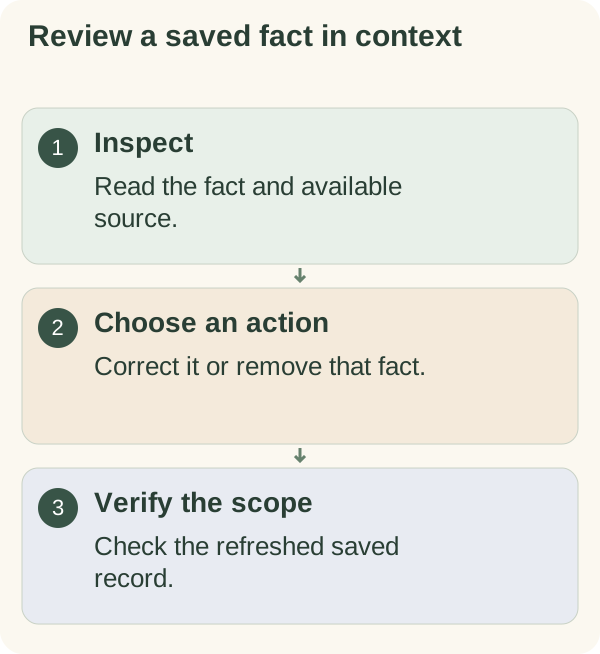
Inspect saved facts and their sources
Send /memory in the private companion chat. The saved-facts card lists available facts with an ID and date. Use Previous and Next when there are several pages.
A Source control appears when a linked source message is available. Review it for context. A source association explains where a saved statement came from; it does not establish that the statement is correct or current. No Source button means the card has no linked source to show.
The wider memory response can contain personal settings and records. Keep it private rather than forwarding the whole view when asking for help.
Correct or remove one fact
Choose Correct beside the intended fact. Send concise replacement wording when prompted, then reopen /memory to check the saved value. The correction is a new message and can become the fact's linked source. Use /cancel before submitting if you no longer want to edit.
To remove just one fact, choose Forget, read the confirmation and either confirm that detail or cancel. The refreshed card shows the result. This removes the saved-fact record, not the original conversation message, other facts, goals or the account.
For example, replacing an old work schedule in a fact is different from erasing the chat message where you described it. Review privacy and data controls if you need a broader change.
If a fact is missing or the edit is stale
Open /memory again and choose the current item. An older card can refer to a fact that was changed or removed elsewhere. Check the actual saved value before repeating an uncertain edit.
For a portable snapshot, use export. For account-wide removal, use the separate full deletion flow. Neither a single-fact deletion nor a correction erases copies held by Telegram or other services.