Conversation starters are automatic invitations to return to the private chat. Check their saved preference, frequency and quiet hours in Settings, then choose whether that amount of outreach suits you.
Check starters and choose an interval
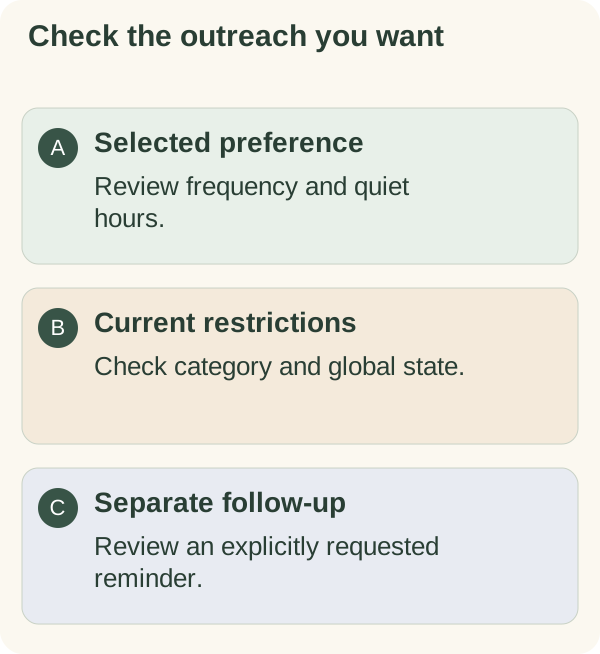
Open /settings in the private companion chat, choose Messages and review the conversation-starter controls. Check whether the category is enabled and whether a global stop or pause is active. Enabling the category alone does not clear a global stop.
The current ordinary-outreach policy offers 2-, 4- and 24-hour preferences. Its standard starting interval is four hours, with quiet hours from 21:00 to 09:00 in the saved time zone. Review your own values; an existing choice can differ.
Starters follow your chosen interval. There is no shared daily cap on ordinary outreach; other features send on their own schedules. These are limits, not a promise to send at each opportunity. Recent activity, account access, service availability and other checks can prevent a send.
Reply, pause, or resume
Before your like for conversation starters is saved, automatic starters offer 👍 I like this and Opt out. Once your like is saved, future starters hide both buttons. The bot also tries to update the message you tapped. To remove the saved like, use the feature-like controls on the private Mini App’s More tab when available; feedback controls then return on future starters. To change delivery, use /settings → Messages in the bot. Opt out turns off only conversation starters; a like never turns anything back on. Use an offered Less often control to reduce frequency, Pause for a temporary break or Stop for the global automatic-message stop. Read the status and any pause duration the bot returns.
You can also send /stop or /quiet to stop automatic channels, including requested follow-ups and calendar reminders. Use /resume or /notifications to lift the global stop, then inspect the individual categories that remain enabled.
Replying does not silently lift a global stop.
Keep the controls distinct
Unanswered messages do not slow the companion down. If a feature's messages are not useful, use Opt out when it is shown, manage its delivery in /settings → Messages in the bot, choose a longer interval, or use Pause or Stop. Your selected preference remains stored.
A requested follow-up has its own arrangement. It still obeys applicable global controls and delivery restrictions. See scheduled check-ins.
For one daily note, use daily-message settings. For its local hour and content, use time and format. For an account-wide stop, return to the message-control guide.