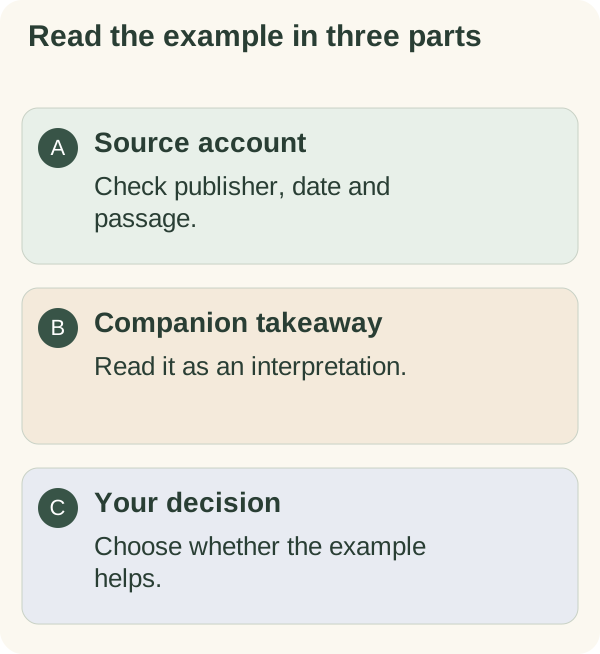
Open a story's source when you want to check the account behind a daily message. Read the factual details separately from the companion's takeaway, then decide whether the example is useful to you.
Find the source
When a daily message contains a story, use 📚 Story source to open its cited article or reference. Check the publisher, date and passage relevant to the story. A link alone does not establish that every sentence in a summary is supported.
You can return to the bot after reading. Opening a source does not edit a goal, change a story preference or record a task as complete.
Stories depend on the selected daily-message format and an eligible catalog entry. If no eligible story is available, a story-only send can be skipped. A missing story does not mean the companion has invented an alternative or that a saved preference was lost.
Separate sourced details from the takeaway
The story summary describes an account in the cited material. The takeaway is an interpretation offered for reflection. Do not read it as a direct quotation unless the source actually supplies that quotation.
Someone else's experience does not predict your outcome. You can find an example interesting without choosing the same goal or agreeing with its lesson. For a consequential health, money or legal decision, use suitable evidence and qualified help rather than a motivational story.
The service can withhold motivational stories when its safety checks indicate that such framing would be inappropriate. That is different from a request you made to hide a particular story.
Choose a country preference
Open /settings, choose Messages and use the country preference when you want stories associated with a particular place. Choose the worldwide option or send Skip when offered if you do not want that preference.
Optional location sharing can suggest a country or time zone for you to review; it does not replace checking the saved setting. The country preference can influence selection but does not guarantee that the next story comes from that place. See time zone and country.
Use story preferences to hide an individual example or topic. Use daily time and format to change when a note is scheduled or whether it contains stories.